

3.4. Driving Lights#
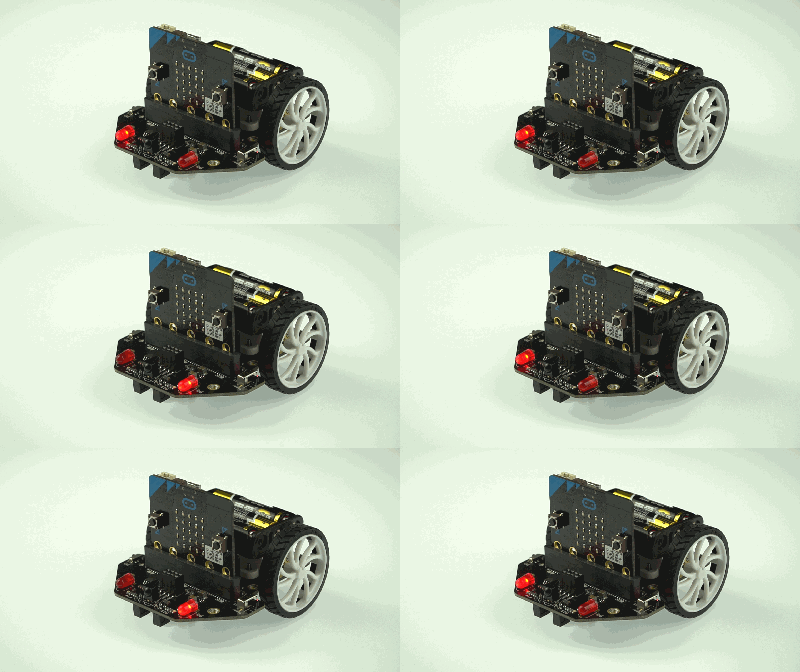
The two “driving” lights on the front of the Maqueen are connected to the micro:bit on:
Pin 8 for the left LED, marked as
P8in 12 for right LED, marked as
P12
This means that we can turn each LED on or off independently.
3.4.1. Digital Write#
The driving lights are either ON or OFF i.e. binary. To perfectly set binary values on the pins of the micro:bit we use:
pinX.write_digital(value)
where:
pinXis the pin variable (see below)valueis the binary value we wish to set
3.4.2. Controlling LEDs#
Each pin is available as a variable after importing the microbit library. For
the LEDs they are pin8 and pin12.
To turn both LEDs ON we use:
pin8.write_digital(1)
pin12.write_digital(1)
To turn both LEDs OFF we use:
pin8.write_digital(0)
pin12.write_digital(0)
You can of course turn them on or off independently.