

3.10. Line Sensors#
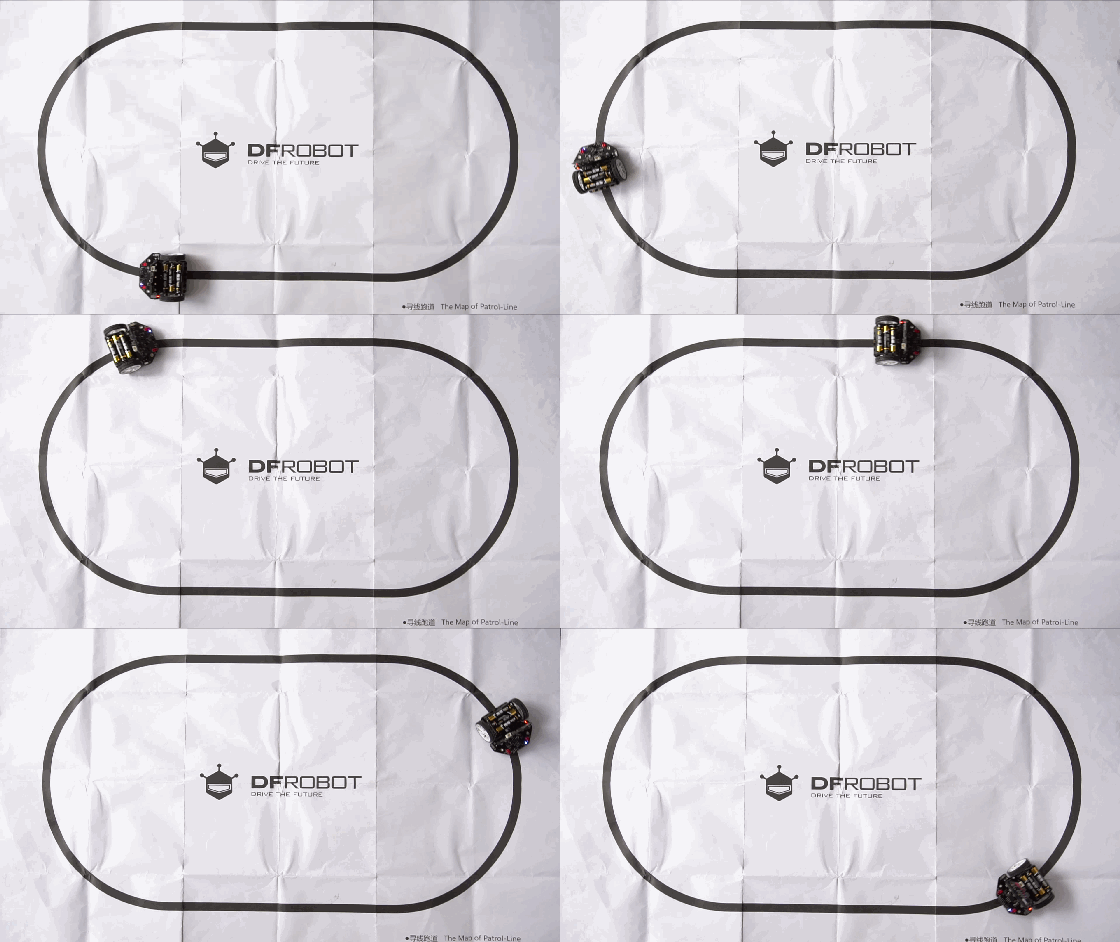
The two infrared line sensors are located on the underside of the Maqueen:
Line-R P14on the right hand side connected to pin 14Line-L P13on the left hand side connected to pin 13
3.10.1. Digital Read#
These sensors provide boolean values on the pins which means they send either a zero or one value to the pin by setting the voltage to 0V (off) or 3V (on).
To read binary values on the pins of the micro:bit we use:
value = pinX.read_digital()
where:
pinXis the pin variablevalueis the resulting binary value
3.10.2. Reading Sensors#
Therefore to read the line state we use
left_line = pin13.read_digital()
right_line = pin14.read_digital()
where 0 means no line detected (white) and 1 means that a line is
detected.
3.10.3. Line LEDs#
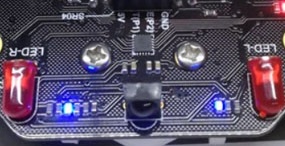
There are two blue LEDs on the front top of the Maqueen that indicate the line sensor state. When the LEDs are on it means no line is detected on the corresponding side. When they are off it means the line is detected.
3.10.4. Sensor Calibration#
You may need to recalibrate the line sensors to account for different surfaces or lighting conditions. The process is outlined below.
Place the Maqueen over the black calibration area on the included line map or over the darkest region you wish to use it on.
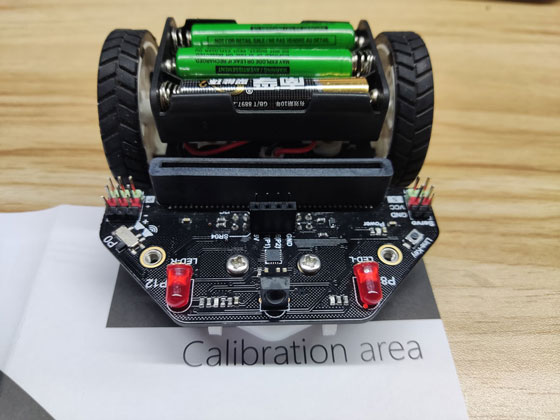
Press down and hold the “Line-Key” button for at least 1 second. The two blue LED indicators will flash. The calibration is completed after flashing is completed. Release the button.
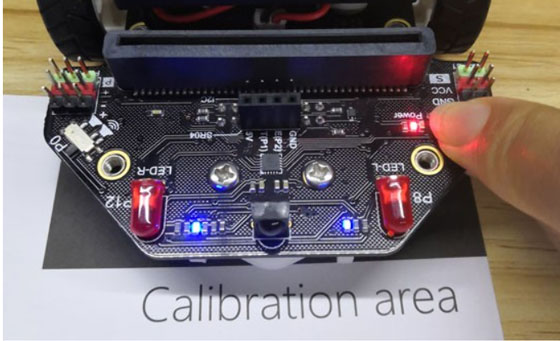
Test the calibration was successful by placing the Maqueen over light and dark areas. On a bright surface the indicators should be illuminated, on a dark surface they will switch off.