5.8. Flask-WTF#
To help us prevent CSRF in our flask apps we can use the flask-wtf library. This library makes using the WTForms rendering and validation library easier in flask apps.
flask-wtf allows us to:
specify forms in Python
render these forms into our templates as HTML
include CSRF tokens
validate form data and CSRF tokens
5.8.1. Configuration#
To enable CSRF protection you need to wrap the app with CSRFProtect, which automatically checks the CSRF on form data posted to each route.
from flask_wtf.csrf import CSRFProtect

CSRFProtect(app)
5.8.2. Defining Forms#
The example below creates a form for submitting comments to FakeTube.
from flask_wtf import FlaskForm
from wtforms import StringField
from wtforms.validators import DataRequired


class CommentForm(FlaskForm):
    comment = StringField(
        "comment",
        validators=[DataRequired()],
        render_kw={"placeholder": "Add a public comment..."},
    )
5.8.3. Rendering Forms into Templates#
To render the form into a template we can pass a form instance to the
render_template function e.g.
form = CommentForm()
return render_template("index.html", form=form)
Then inside our index.html template we can include the CSRF and form
contents
<form method="POST" action="/comment">
    {{ form.hidden_tag() }}  <!-- Automatically includes CSRF token -->
    {{ form.comment }}  <!-- Render the comment field -->
    <p><input type="submit" value="Post Comment"></p>
</form>
5.8.4. Validating Forms#
In the route that handles the POST -ed form data we simply need to create an instance of the form. flask-wtf will handle converting the POST data into a form for us.
From the documentation :
Note that you don’t have to pass
request.formto Flask-WTF; it will load automatically. And the convenientvalidate_on_submitwill check if it is a POST request and if it is valid.
Example:
form = CommentForm()
if form.validate_on_submit():
    flash(f"Comment posted: {form.comment.data}", "success")
    return redirect("/")
Demo: Fix the CSRF
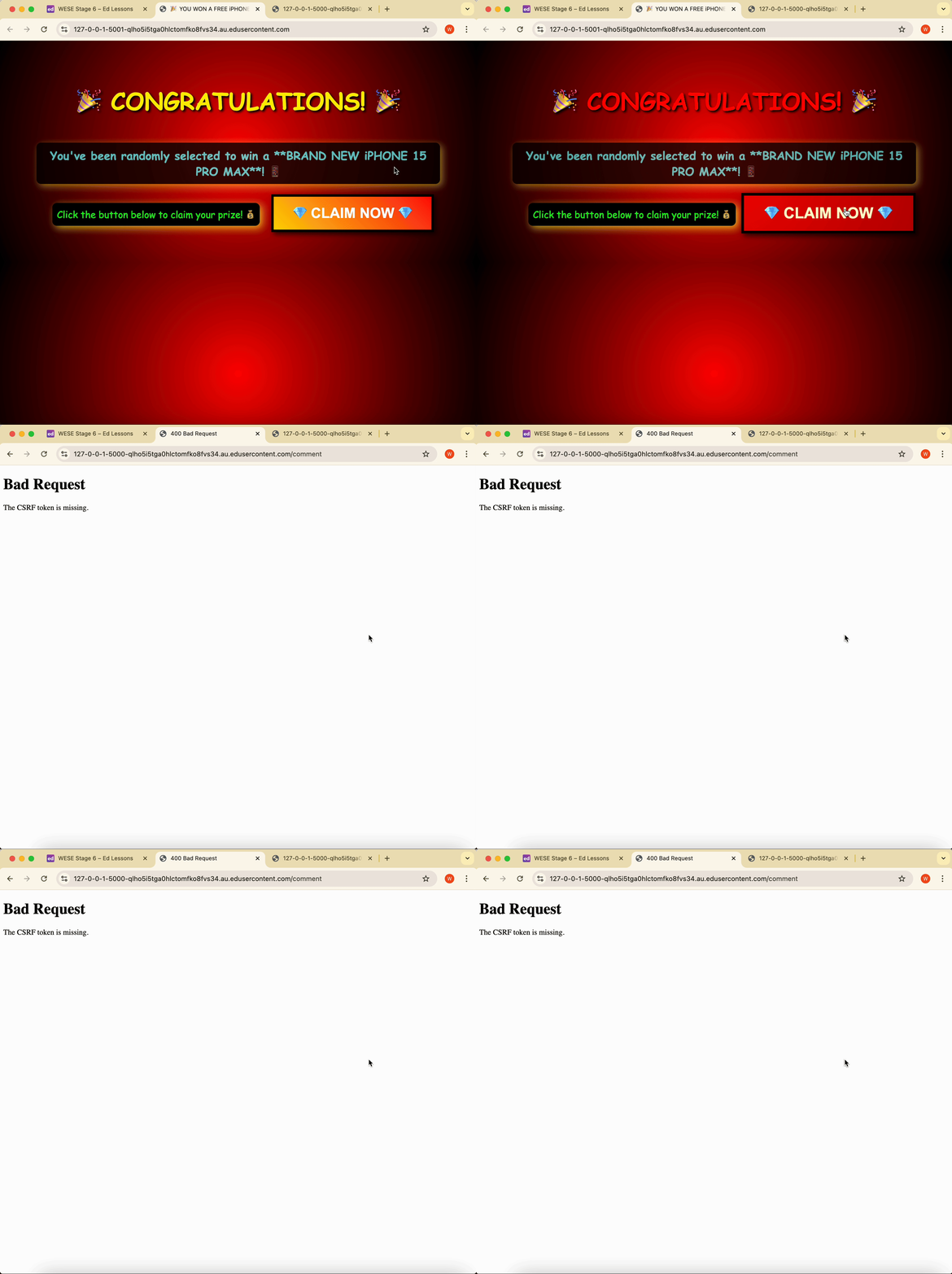
In this demo, we’ve fixed the CSRF vulnerability on FakeTube by using flask-wtf to:
create and render a form in the template
embed a CSRF token
validate the CSRF token and form input on submission
If the CSRF token is invalid, then an error will be returned by the flask app.
Instructions
Run the FakeTube app
python app.py
Then open the site in your browser.
Run the scam comment app (at the same time)
python scam_app.py
Then open the site in your browser.
Click to claim your free iPhones
Error! The cross-site request has been blocked.