

General Methods#
A method is a function, which is defined for a class and can only be called on an instance.
Defining a Method#
Methods are defined like regular functions but must be within the class
definition block and their first parameter must be self.
class ClassName:

    def method1(self, parameter_1, ..., parameter_n):
        # do something
        return # optional

    def method2(self, parameter_1, ..., parameter_n):
        # do something
        return # optional
Note
You’ve already defined a method before. __init__ is a special method
that is called when the object is created!
Self#
The self parameter of __init__ is a variable that references the
current instance that is being created. Recall that a class definition is a
blueprint, so self is a way of specifying which instance is being affected
by the blueprint.
Calling a Method#
Methods are called by using using . between the instance object and the
method name.
instance.method(argument_1, ..., argument_n)
Example: Depositing funds
In the example below, the deposit method has been added the Account
class. This method takes one parameter amount, which is used to increase
the balance attribute.
class Account:

    def __init__(self, bsb_number, account_number, balance, holder_name):
        self.bsb_number = bsb_number
        self.account_number = account_number
        self.balance = balance
        self.holder_name = holder_name

    def deposit(self, amount):
        self.balance += amount


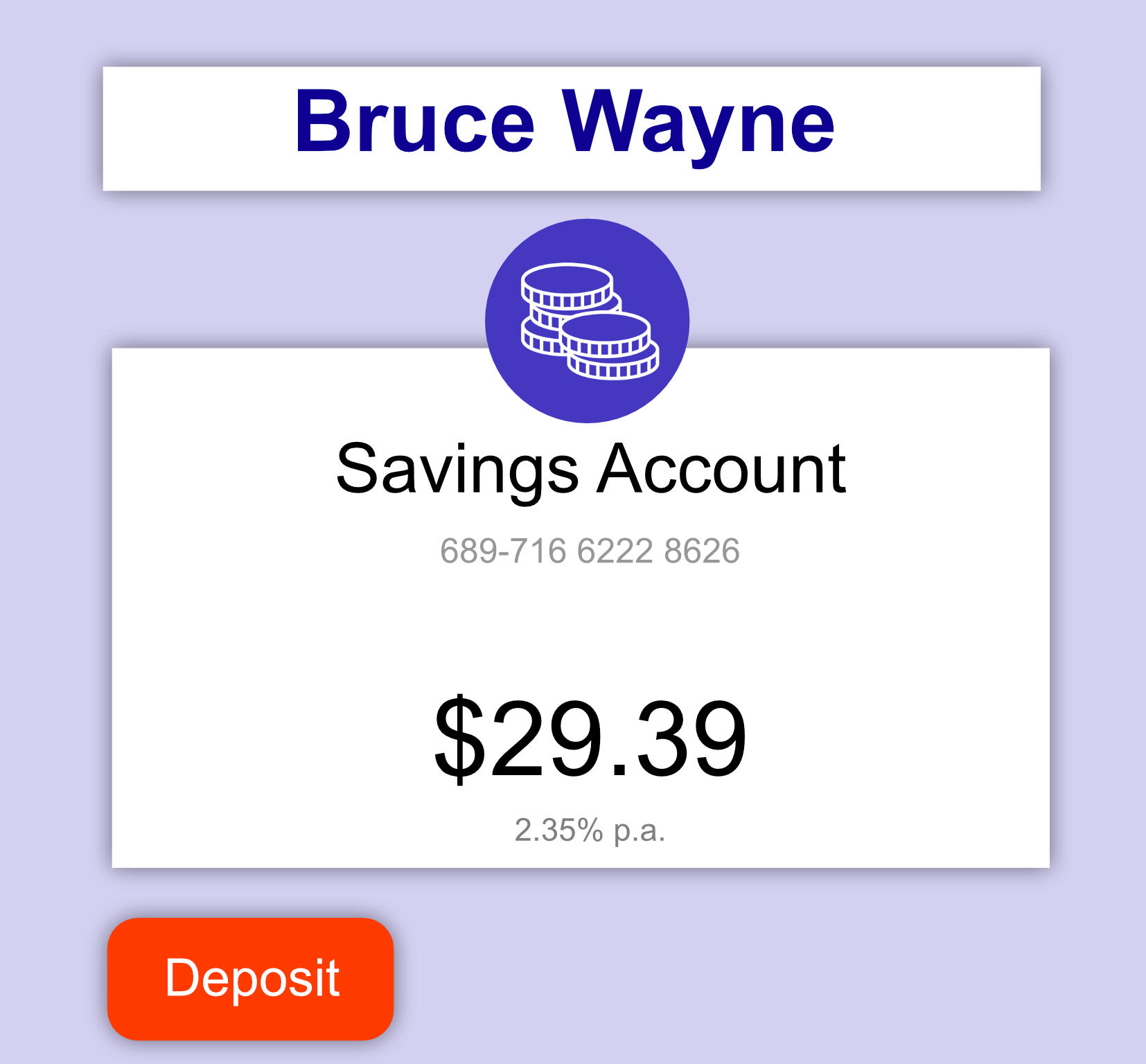
batman_account = Account("689716", "62228626", 19.39, "Bruce Wayne")
batman_account.deposit(10)  # Calling deposit with amount=10
print(batman_account.balance)
Many Methods#
We can add as many methods as we like to our classes.
Example
In the example below, a withdraw method has been added to work in tandem
with deposit.
class Account:

    def __init__(self, bsb_number, account_number, balance, holder_name):
        self.bsb_number = bsb_number
        self.account_number = account_number
        self.balance = balance
        self.holder_name = holder_name

    def deposit(self, amount):
        self.balance += amount

    def withdraw(self, amount):
        self.balance -= amount
        if self.balance < 0:
            print("WARNING: Account is overdrawn!")


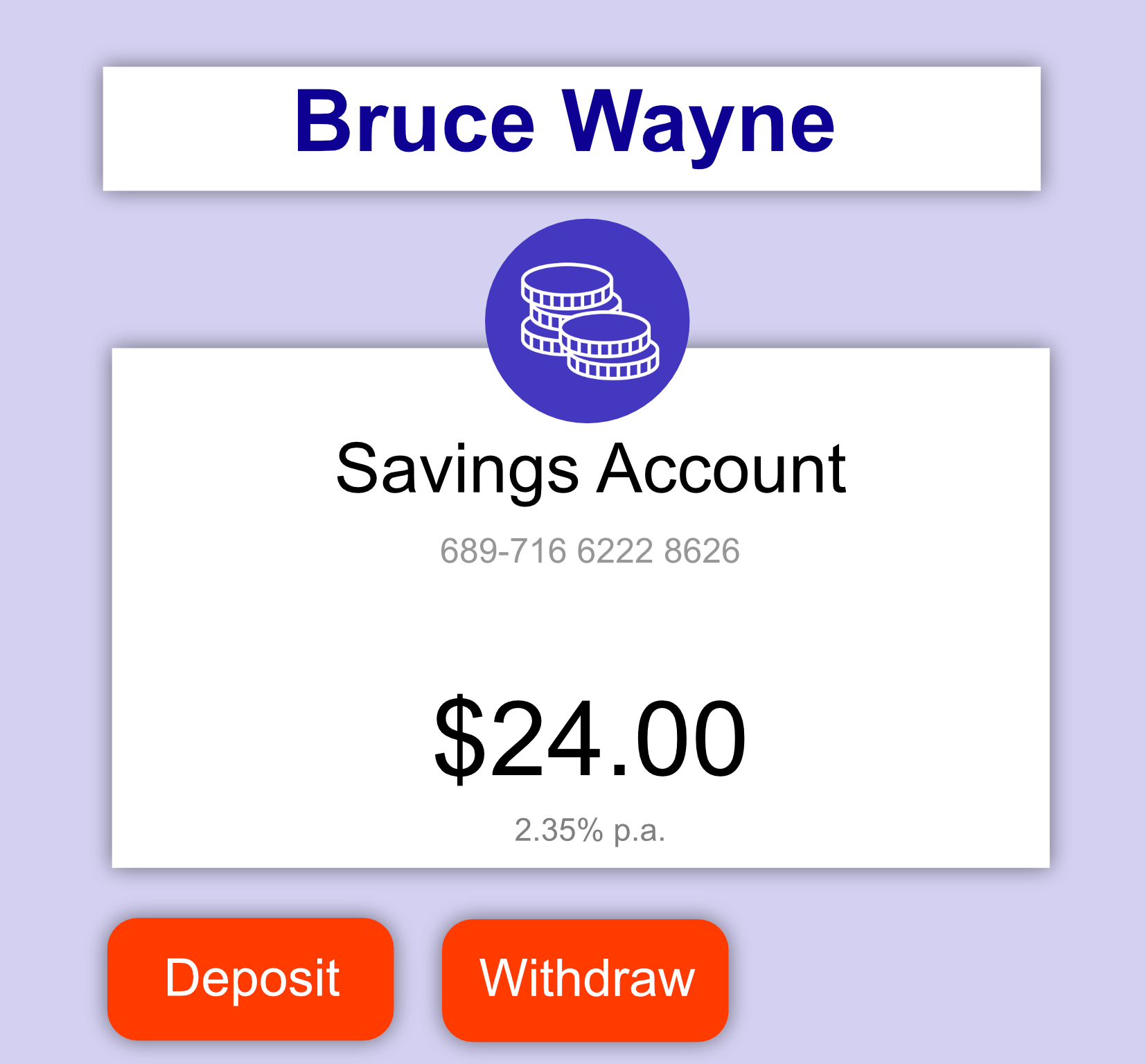
batman_account = Account("689716", "62228626", 19.39, "Bruce Wayne")
batman_account.deposit(10)
batman_account.withdraw(5.39)
print(batman_account.balance)
Fruitful Methods#
Just like other functions, methods can return a value - we call these “fruitful” functions.
Example
The example below includes get_earned_interest, which returns the interest
amount on the current balance the account holder is owed. This value is
returned outside the instance and does not affect any instance attributes.
class Account:

    def __init__(self, bsb_number, account_number, balance, holder_name):
        self.bsb_number = bsb_number
        self.account_number = account_number
        self.balance = balance
        self.holder_name = holder_name

    def get_earned_interest(self):
        interest_rate = 0.0235
        return interest_rate * self.balance


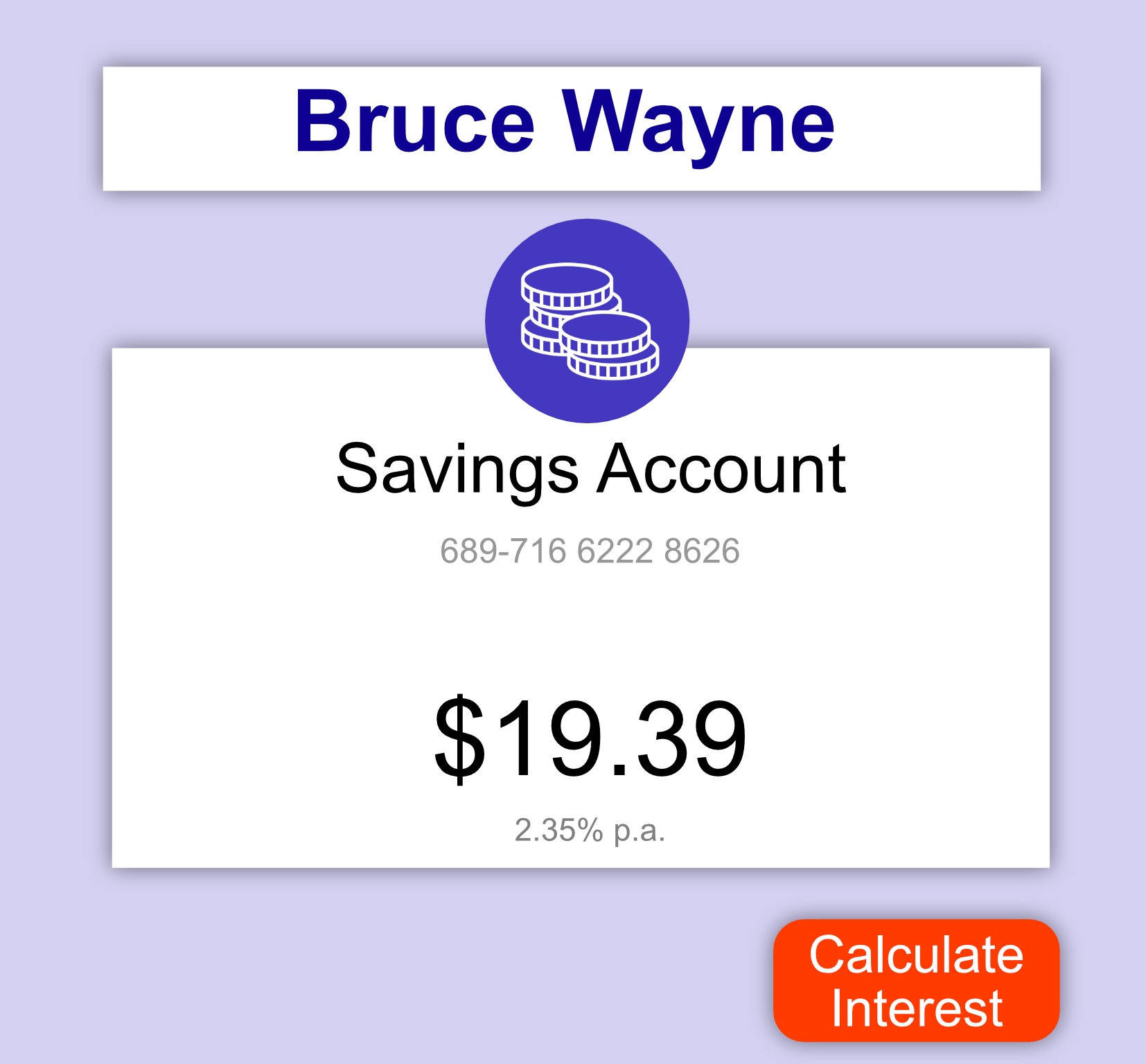
batman_account = Account("689716", "62228626", 19.39, "Bruce Wayne")
interest = batman_account.get_earned_interest()
print(interest)
Question
Consider the following Rectangle class.
class Rectangle:

    def __init__(self, height, width, colour):

        self.height = height
        self.width = width
        self.colour = colour

    def stretch(self, scale_factor):
        self.height = self.height*scale_factor
        self.width = self.width*scale_factor
Which of the following describes the effect stretch(2) will have on an instance of Rectangle.
It will double the
heightandwidthof the instanceIt will halve the
heightandwidthof the instanceIt will create a second instance of
RectangleIt will update the ratio of the
heightandwidthso thatheight= 2 xwidth
Solution
Solution is locked
Code Challenge: Fueling Safely
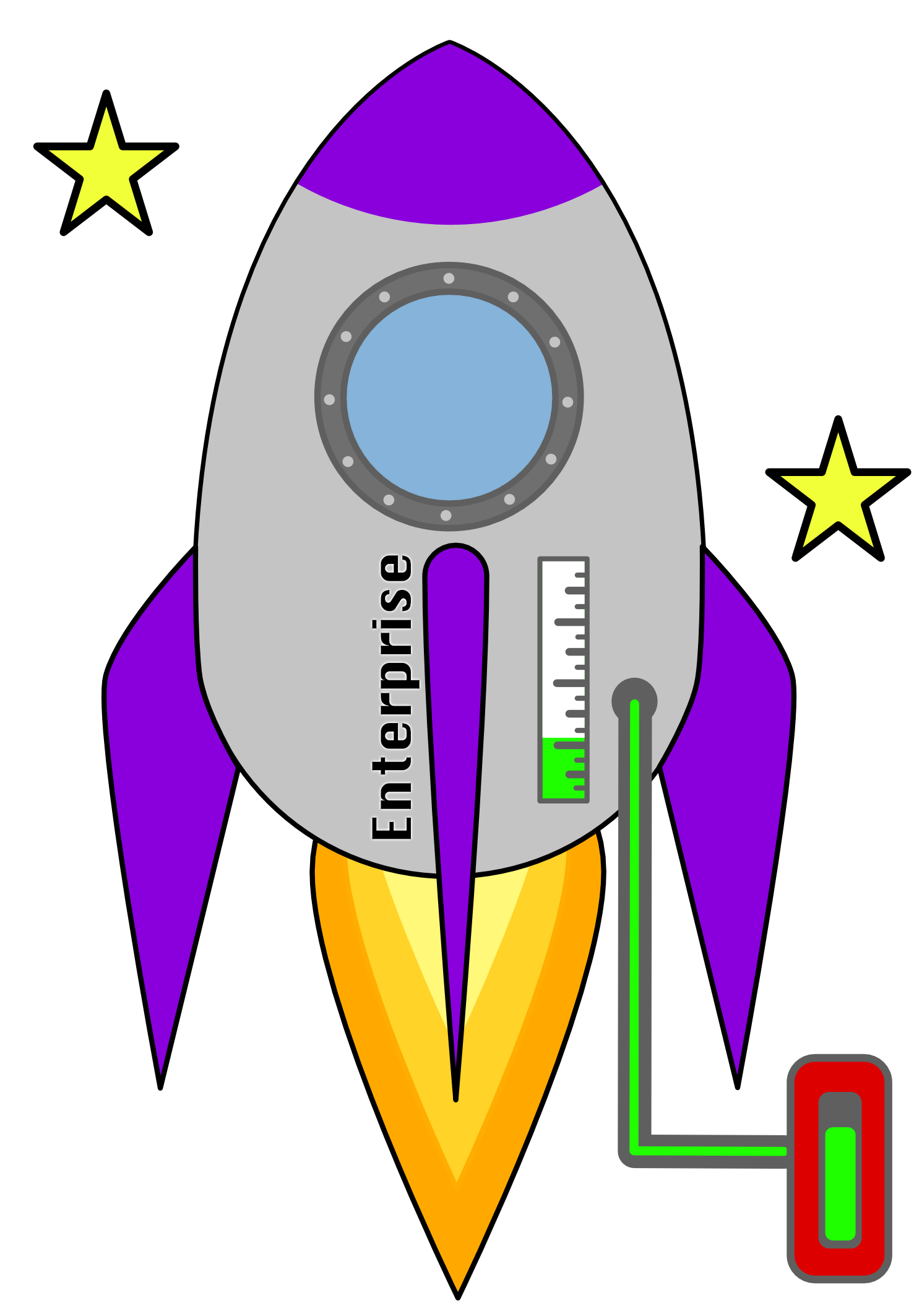
At the moment it is very easy to add too much fuel to a spaceship since the fuel_weight attribute must be set directly. This could create a fuel spill on the launchpad, which is a safety hazard.
Write a method called refuel that accepts an amount of fuel. If the amount added would cause a spillover then set the fuel weight to the maximum capacity.
Refuel Specification
Increases the amount of fuel by the given amount. If the total amount of fuel would exceed the fuel_capacity then set fuel_weight to fuel_capacity.
name:
refuelparameters:
amount(the amount of fuel to be added to the ship -float)return:
None
Instructions
Copy and paste your solution from Attributes > “Refuel by Weight”
Add a method called
refuelwith:A single parameter
amountA function block that performs refueling safely as described above.
Solution
Solution is locked
Code Challenge: Fueling Percent
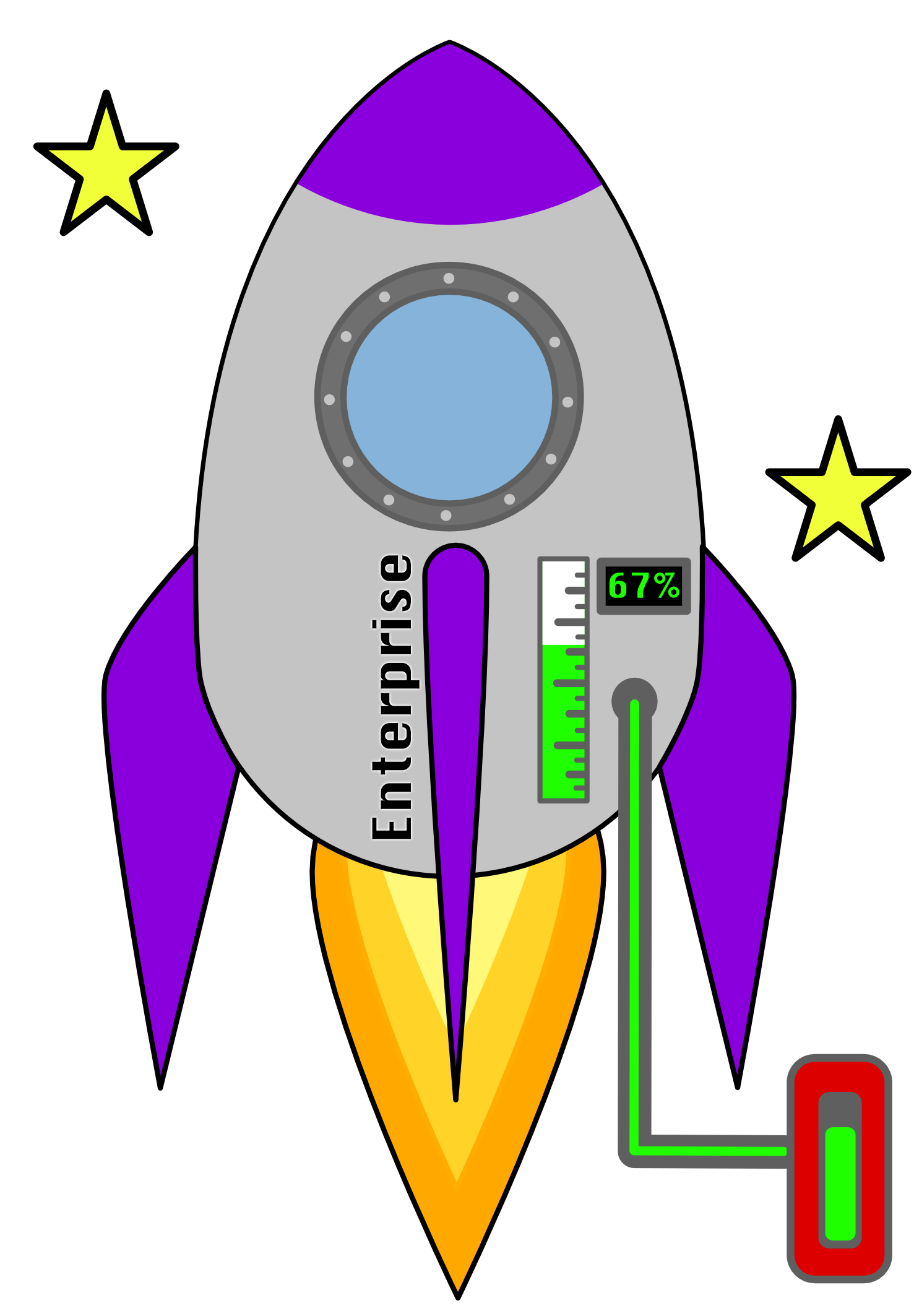
To make it easier for the Astronaut to gauge the fuel level at a glance add a method called fuel_percentage, which will be used to show the fuel status in the cockpit.
Fuel_percentage Specification
Returns the percent of fuel remaining as a float.
name:
fuel_percentageparameters:
Nonereturn:
floatthe percent of of fuel remaining
Instructions
Copy and paste your solution from “Fueling Safely”
Add a method called
fuel_percentagewith that returns the percentage of remaining fuel as a float.To calculate the percentage divide the
fuel_weightbyfuel_capacity
Solution
Solution is locked
Code Challenge: 🔫 Lasers
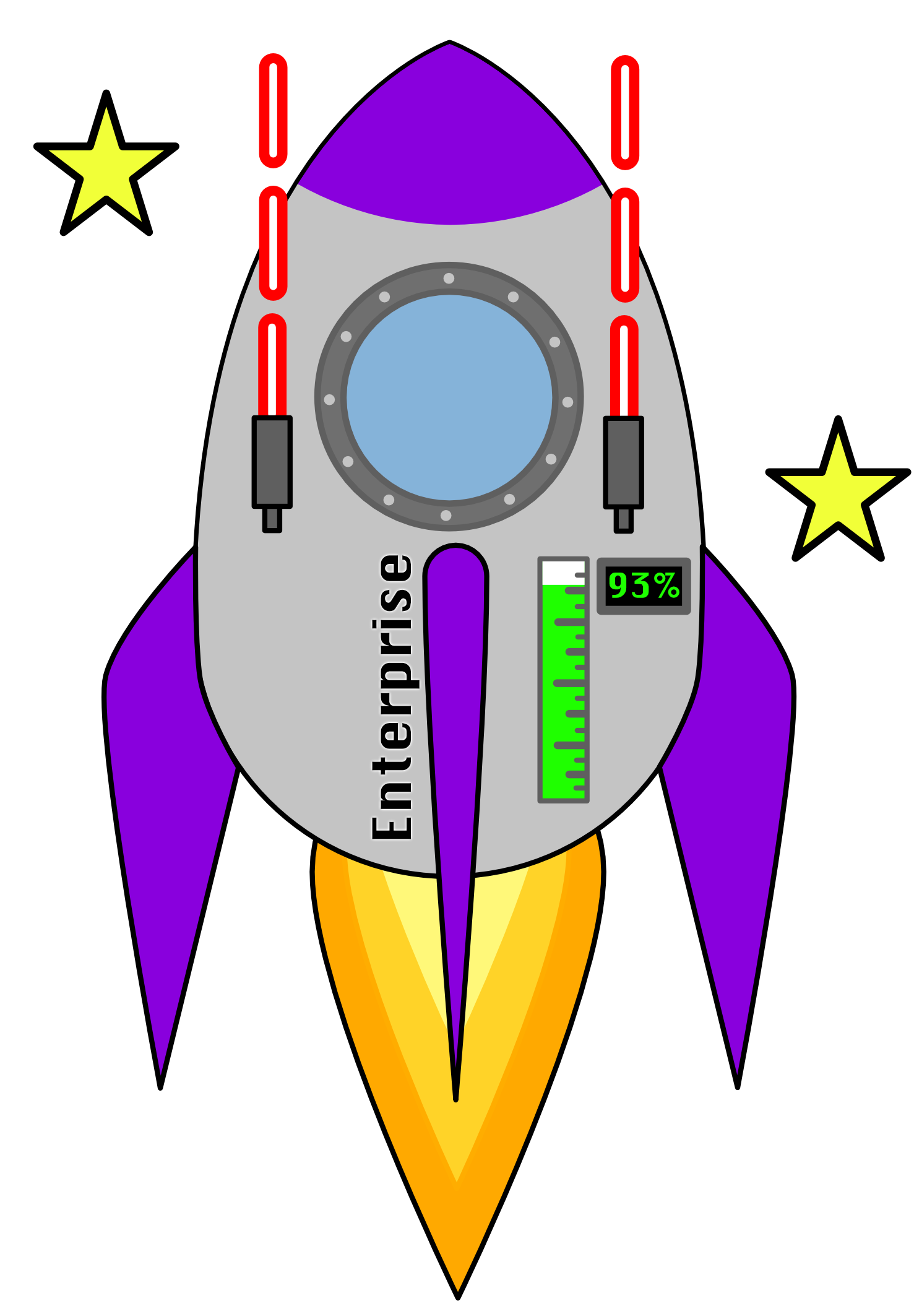
To defend against any pirates boarding the ship and to blast through space junk, you’ve added lasers to the ship. Firing the lasers depletes 10kg of fuel each time.
Fire_laser specifications
Subtracts 10 from the fuel_weight of the ship each time the method is called.
name:
fire_laserparameters:
Nonereturn:
None
Instructions
Copy and paste your solution from “Fuel Percent”
Add a method called
fire_laserper the requirements.
Solution
Solution is locked