

Attributes#
Accessing Attribute Values#
Instance attributes are accessed using . between the instance and the
attribute name.
Attribute values can be used anywhere a normal Python expression is valid.
Example
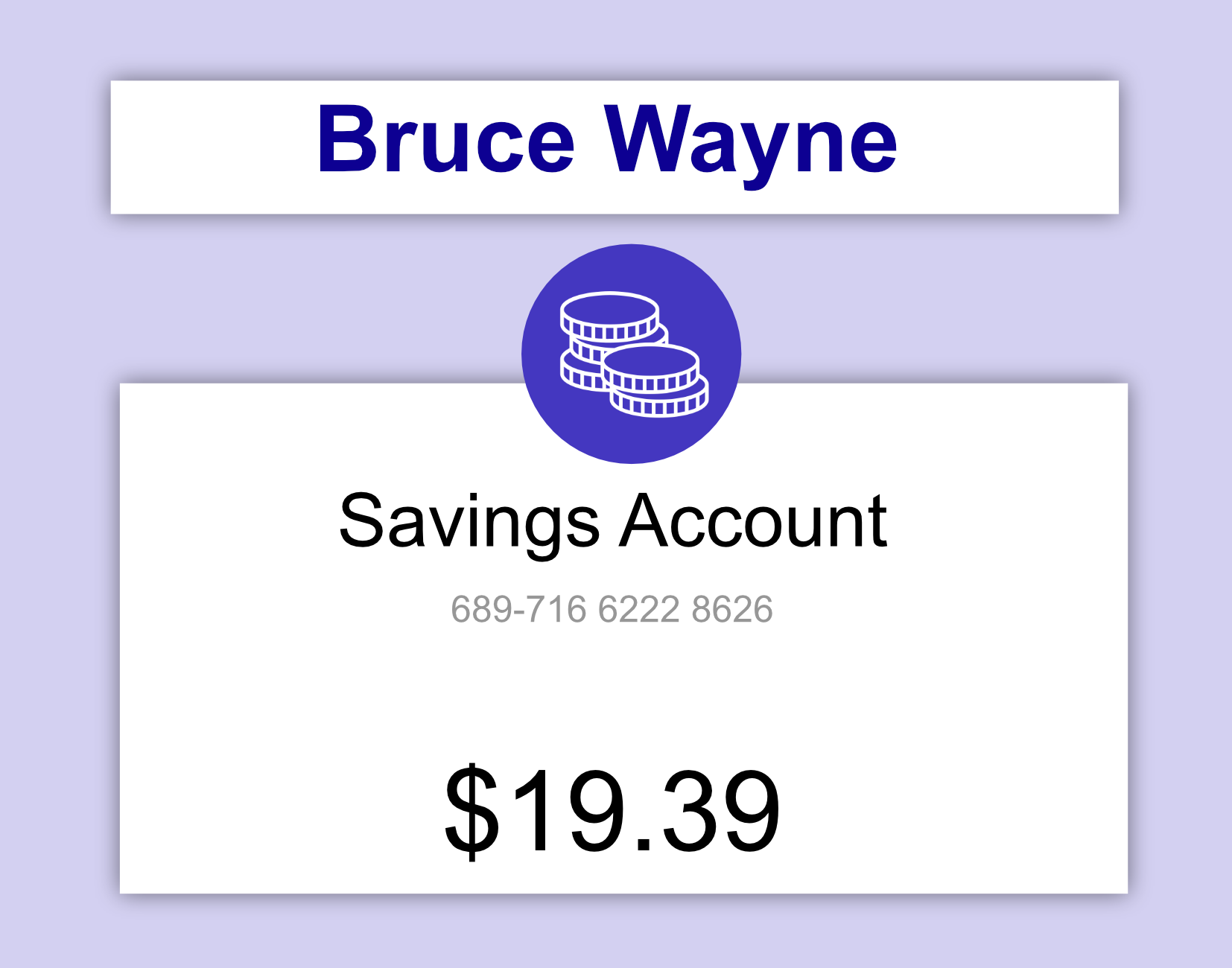
In the example below we create an account for Bruce Wayne, then print out the
balance using batman_account.balance.
class Account:

    def __init__(self, bsb_number, account_number, balance, holder_name):
        self.bsb_number = bsb_number
        self.account_number = account_number
        self.balance = balance
        self.holder_name = holder_name


batman_account = Account("689716", "62228626", 19.39, "Bruce Wayne")

print(batman_account.balance)
Setting Attribute Values#
To set the values of an attribute we use the syntax
instance.attribute = new_value
Example - Constructor
When we write self.attribute = new_value in the constructor, we are setting
the instance attribute as shown in the example below.
class Account:

    def __init__(self, bsb_number, account_number, balance, holder_name):
        self.bsb_number = bsb_number
        self.account_number = account_number
        self.balance = balance
        self.holder_name = holder_name
Example - Overwriting a Value
Note
Instances and their attributes are mutable. This means we can overwrite their value after they are first set.
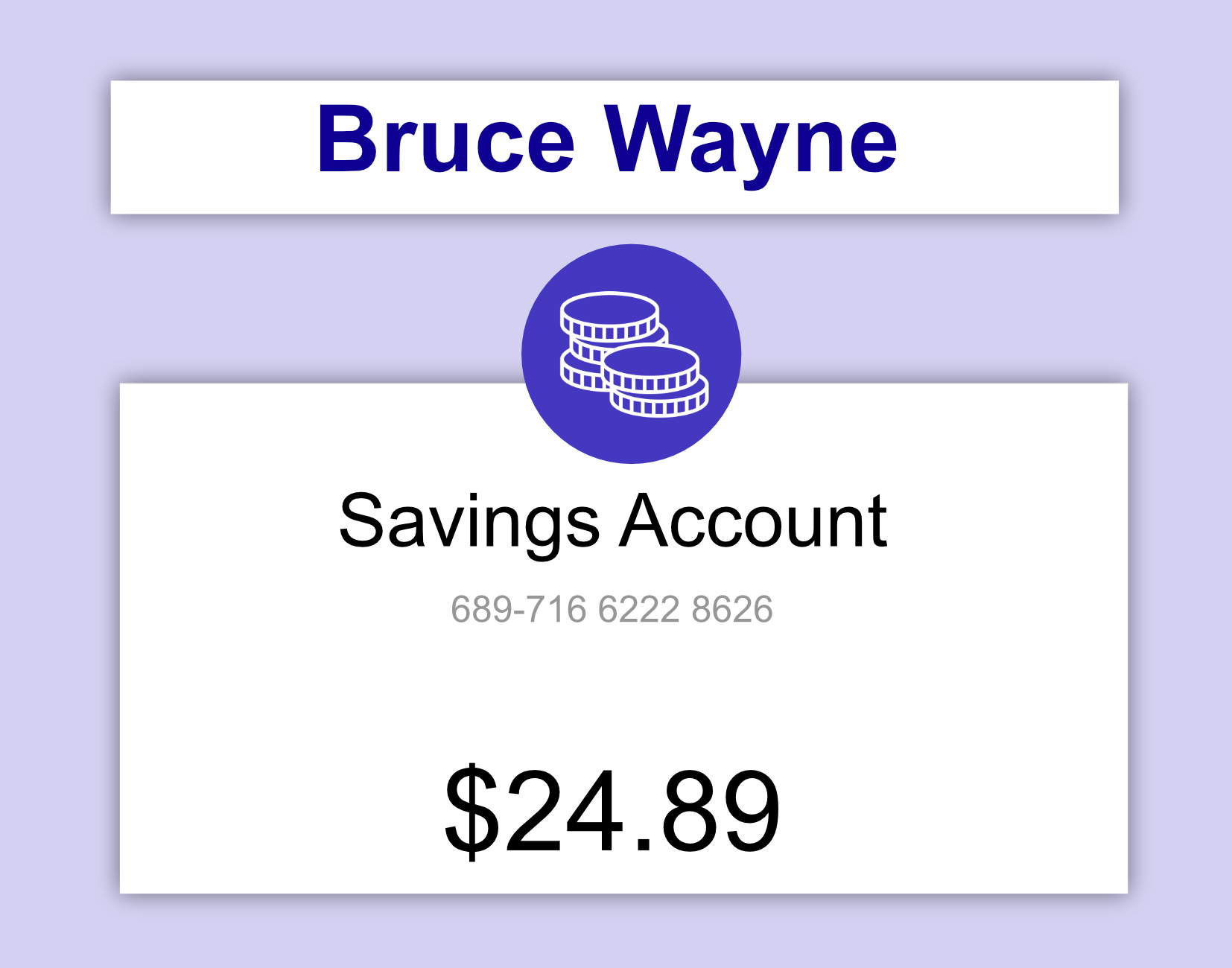
In the example below, the balance attribute gets overwritten with a new
value.
class Account:

    def __init__(self, bsb_number, account_number, balance, holder_name):
        self.bsb_number = bsb_number
        self.account_number = account_number
        self.balance = balance
        self.holder_name = holder_name


batman_account = Account("689716", "62228626", 19.39, "Bruce Wayne")

batman_account.balance = 24.89

print(batman_account.balance)
Question 1
What would shape look like after running the following code?
class Rectangle:

    def __init__(self, height, width, colour):
        self.height = height
        self.width = width
        self.colour = colour

shape = Rectangle(3, 3, "blue")
shape.height = 6




Solution
Solution is locked
Question 2
Instances and their attributes are mutable. What does this mean?
It means that instances cannot have attributes.
It means that the attributes of an instance can only be the specified default values.
It means that all instances of a class must have the same attribute values.
It means that after the instance of a class is created, the instance and its attributes can still be changed.
Solution
Solution is locked
Code Challenge: Check the Fuel

Before takeoff, you’ll need to check how much fuel is on board the ship. The Spaceship class now has two attributes: name and fuel_level.
In this exercise create a new ship and print its name and the amount of fuel remaining.
Instructions
Create an instance of Spaceship named
"Enterprise"with a fuel level of50.Access the
nameandfuel_levelattributes from the instance.Print both values.
Example Output
Spaceship Name: Enterprise
Fuel Level: 50
Here is some code for you to start with:
class Spaceship:
    def __init__(self, name, fuel_level):
        self.name = name
        self.fuel_level = fuel_level
Solution
Solution is locked
Code Challenge: Refuel

It looks like there isn’t sufficient fuel level aboard the spaceship. After fueling up all the way, set the fuel level to 100.
Instructions
Create an instance of Spaceship named
"Enterprise"with a fuel level of50.Print the spaceship name and fuel level.
Afterwards set the
fuel_levelto100.Print the updated fuel level.
Example Output
Spaceship Name: Enterprise
Fuel Level: 50
Updated Fuel Level: 100
Here is some code for you to start with:
class Spaceship:
    def __init__(self, name, fuel_level):
        self.name = name
        self.fuel_level = fuel_level
Solution
Solution is locked
Code Challenge: Refuel by Weight

When we create a new spaceship it shouldn’t have any fuel on board. It’s also good practice measure fuel by weight rather than by percentage because calculations for liftoff use weight of fuel as a parameter.
Requirements
Modify the
Spaceshipclass so that it tracks fuel through two attributes:fuel_weightandfuel_capacity.The
fuel_weightmust always be zero when the spaceship is createdThe
fuel_capacitycan be set by the creator of the spaceship
Instructions
Add
fuel_capacityas a parameter to__init__Inside
__init__:Set the
fuel_capacityto the parameter valueSet the
fuel_weightto zero
Create an instance of
Spaceshipnamed"Enterprise"with a fuel capacity of10000.Afterwards set the
fuel_weightto5000.Print the updated fuel remaining.
Example Output
Note
You can calculate the % of fuel remaining by dividing fuel weight by the capacity.
Fuel Remaining: 5000/10000 (50.00%)
Here is some code for you to start with:
class Spaceship:
    def __init__(self, name):
        self.name = name
Solution
Solution is locked