

Class Attributes and Methods#
Attributes#
Python also supports class level attributes, which are attributes shared across all instances. This is useful because it would be wasteful for instances to store shared data inside every instance.
Syntax
Class attributes are defined directly underneath the class name and are indented to the same level as instance methods as shown below:
class ClassName:

    attribute_1 = value_1
    attribute_2 = value_2

    def method1(self, parameter_1, ..., parameter_n):
        # do something
        return # optional
Accessing class attributes is done through the class name i.e.
ClassName.attribute_1
Note
Like instance attributes, class attributes are mutable. So be careful using them as you might accidentally change their value!
Example: Interest Rate
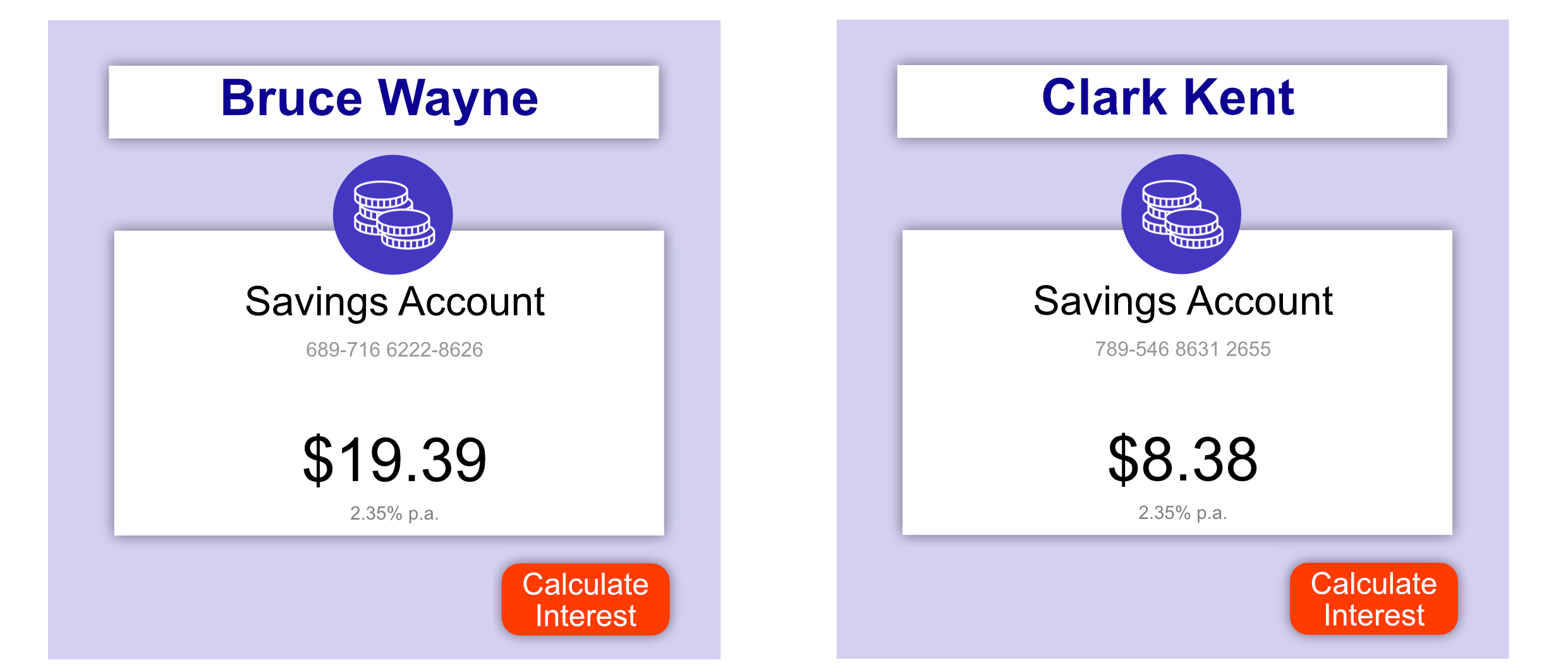
In the example below, all bank accounts use the same interest rate. Therefore it is stored as a class attribute, which is accessible by all instances.
class Account:

    interest_rate = 0.0235  # 2.35% interest rate - Class attribute!

    def __init__(self, bsb_number, account_number, balance, holder_name):
        self.bsb_number = bsb_number
        self.account_number = account_number
        self.balance = balance
        self.holder_name = holder_name

    def get_earned_interest(self):
        return Account.interest_rate * self.balance


batman_account = Account("689716", "62228626", 19.39, "Bruce Wayne")
print("Interest rate: {}".format(batman_account.interest_rate))
print("Earned interest: {}".format(batman_account.get_earned_interest()))

superman_account = Account("789546", "86312655", 8.38, "Clark Kent")
print("Interest rate: {}".format(superman_account.interest_rate))
print("Earned interest: {}".format(superman_account.get_earned_interest()))
Output
Interest rate: 0.0235
Earned interest: 0.455665
Interest rate: 0.0235
Earned interest: 0.19693000000000002
In this example, the interest rate of both Batman’s and Superman’s accounts are the same, 2.35%.
Methods#
Classes can also have associated methods, which are useful for managing class attributes.
Class methods are defined by using the @classmethod decorator immediately
before the method and by setting the first parameter to cls, which is a
reference to the class rather than the instance.
class ClassName:

    @classmethod
    def class_method1(cls, parameter_1, ..., parameter_n):
        # do something
        return # optional

    def instance_method1(self, parameter_1, ..., parameter_n):
        # do something
        return # optional
Class methods are called by
ClassName.class_method1(argument_1, ..., argument_n)
Example
In the example below, a shared transaction counter is created. This counter is
managed through the class method get_new_transaction_number so that each
time a bank account records a transaction it is unique across all transactions.
class Account:

    interest_rate = 0.0235
    transaction_number = 0

    @classmethod
    def get_new_transaction_number(cls):
        cls.transaction_number += 1
        return cls.transaction_number

    def __init__(self, bsb_number, account_number, balance, holder_name):
        self.bsb_number = bsb_number
        self.account_number = account_number
        self.balance = balance
        self.holder_name = holder_name

        self.transactions = []

    def deposit(self, amount):
        self.balance += amount
        transaction_number = Account.get_new_transaction_number()
        self.transactions.append([transaction_number, amount])

    def withdraw(self, amount):
        self.balance -= amount
        transaction_number = Account.get_new_transaction_number()
        self.transactions.append([transaction_number, -amount])

        if self.balance < 0:
            print("WARNING: Account is overdrawn!")


batman_account = Account("689716", "62228626", 19.39, "Bruce Wayne")
superman_account = Account("789546", "86312655", 8.38, "Clark Kent")

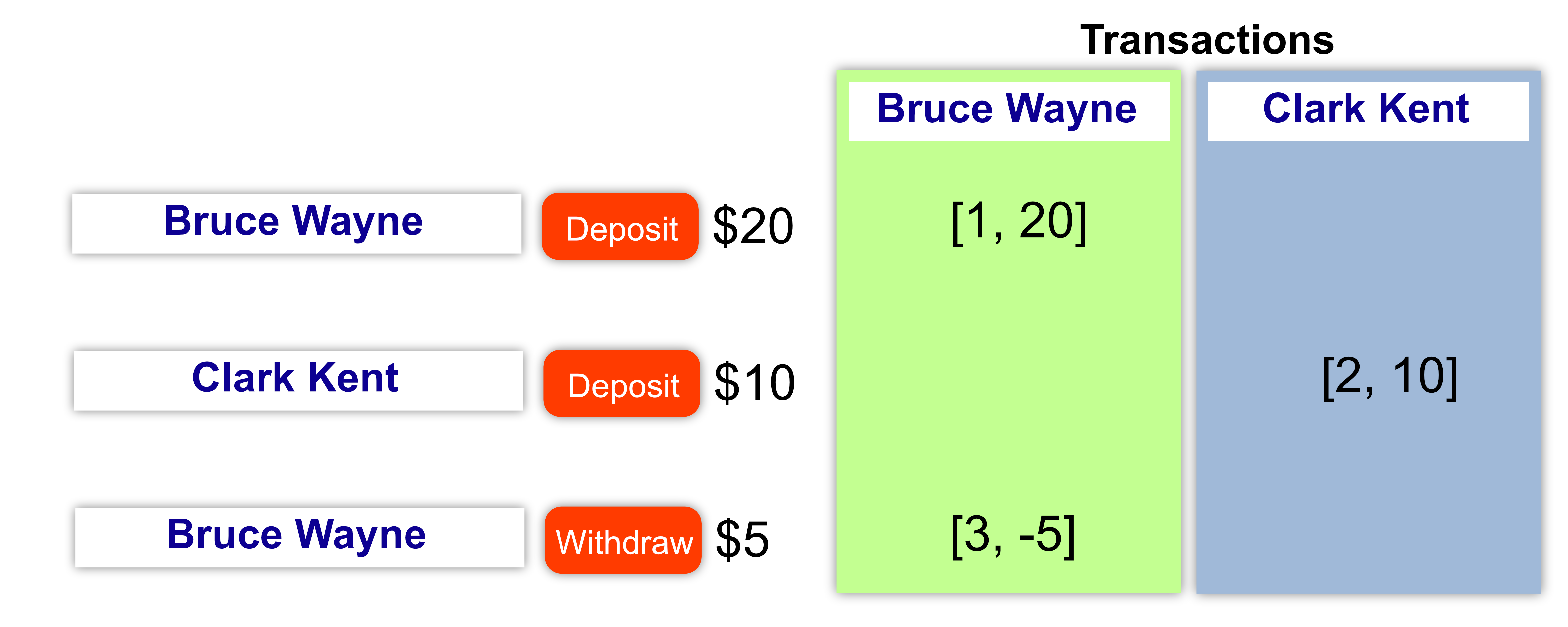
batman_account.deposit(20)
superman_account.deposit(10)
batman_account.withdraw(5)

print(batman_account.transactions)
Output
[[1, 20], [3, -5]]
Note
Note that in the class method get_new_transaction_number we use cls
to refer to the class, but when we call this method, e.g. in deposit()
we use the class name, i.e. Account.get_new_transaction_number().
Code Challenge: Track the Fleet Size
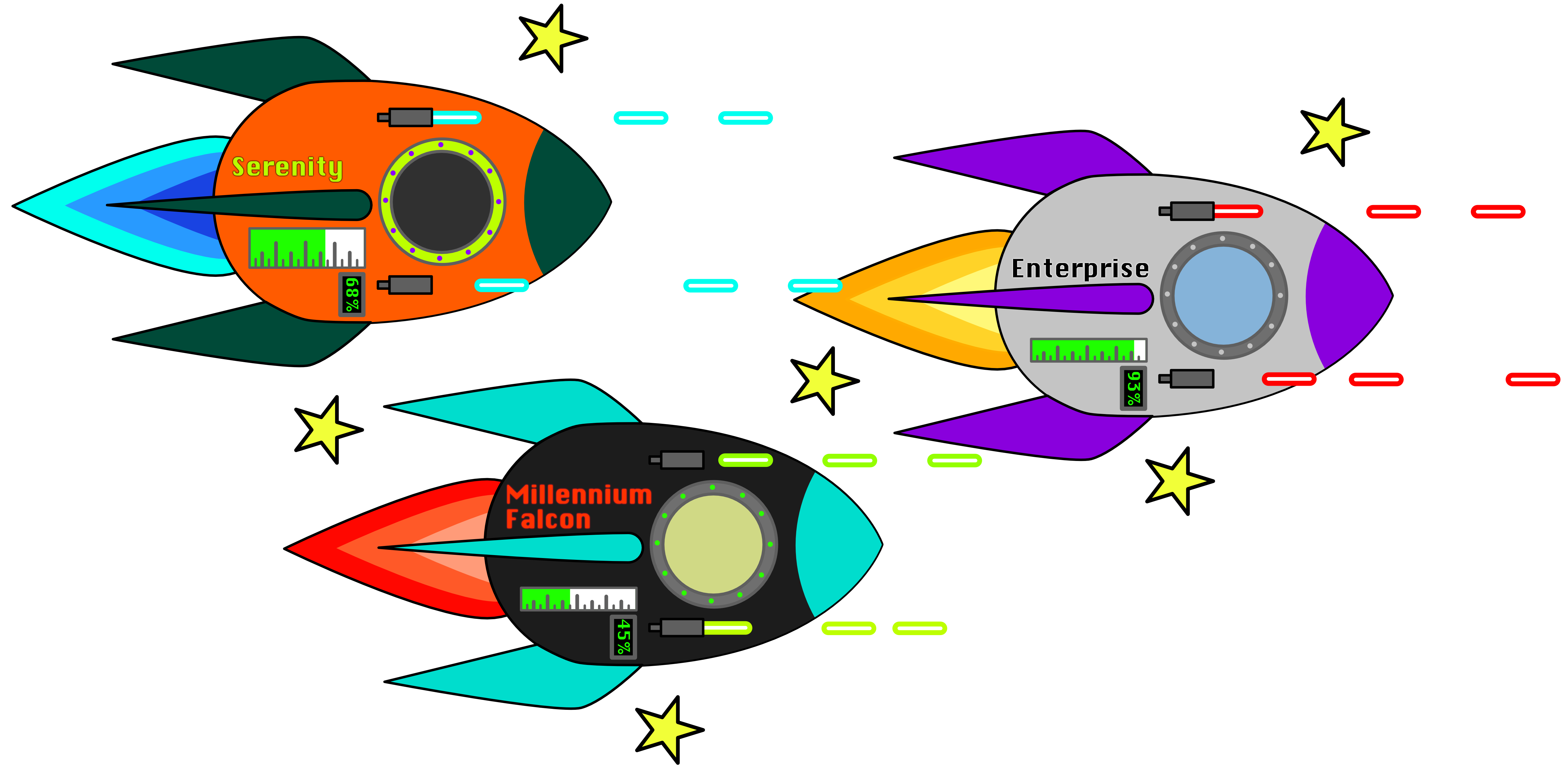
As your fleet grows its getting harder to track how many ships you’ve made. Use a class attribute called fleet_count to record how many ships have been created.
Requirements
A class attribute called
fleet_countthat stores anintwith the number of ships that have been created.When a ship is created the value of
fleet_countmust be incremented by 1.
Instructions
Copy and paste your solution from General Methods > “ 🔫Lasers” into the scaffold below.
Add a class attribute called
fleet_count.Modify the constructor (
__init__) to incrementfleet_count.
class Spaceship:

    def __init__(self, name):
        self.name = name

enterprise = Spaceship("Enterprise", 10000)
enterprise = Spaceship("Millennium Falcon", 1000)
enterprise = Spaceship("Serenity", 2000)

print(Spaceship.fleet_count)
Solution
Solution is locked
Code Challenge: Register Ships

As you add more and more ships to your fleet, you’ve forgotten the names of all your ships. Add a class method to register ships with their name. This registry must be stored as a list class attribute.
Requirements
A class attribute called
fleet_namesthat stores alistcontaining the names of ships in the fleet asstr.A class method called
register_shipwith:Functionality: Adds the name of the ship to the
fleet_nameslistParameters:
clsship- the ship to be added
Returns:
None
A class method called
fleet_countwith:Functionality: Calculates the number of registered ships
Parameters:
cls
Returns: An integer corresponding to the number of registered ships
Instructions
Copy and paste your solution from General Methods > “ 🔫Lasers”.
Add a class attribute called
fleet_names.Add a class method called
registerper the requirements.Test your code by registering ships and then printing fleet count e.g.
enterprise = Spaceship("Enterprise", 10000)
Spaceship.register_ship(enterprise)

falcon = Spaceship("Millennium Falcon", 1000)
Spaceship.register_ship(falcon)

print(Spaceship.fleet_count())
Solution
Solution is locked