4.17. Extension: Text Data#
For computers to process data, the data needs to be in numeric form. One way to to represent text as numbers is to use the bag of words format.
The idea of the bag of words format is you take a document, for example:
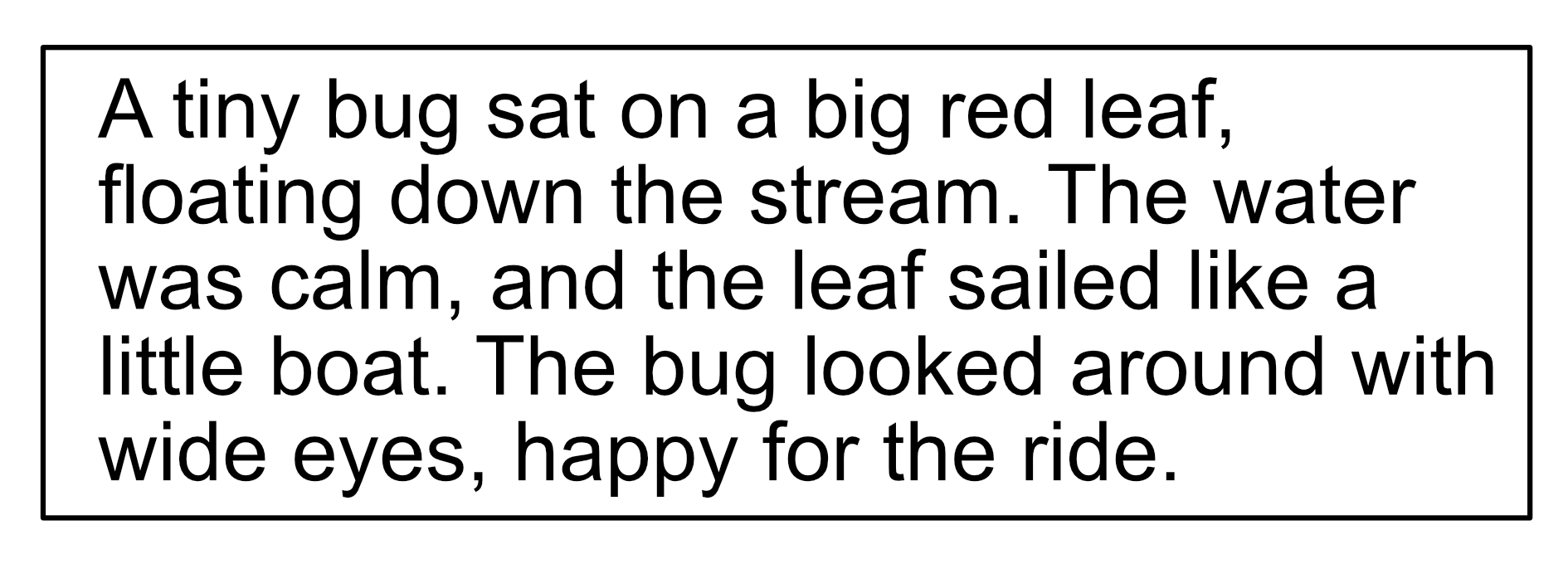
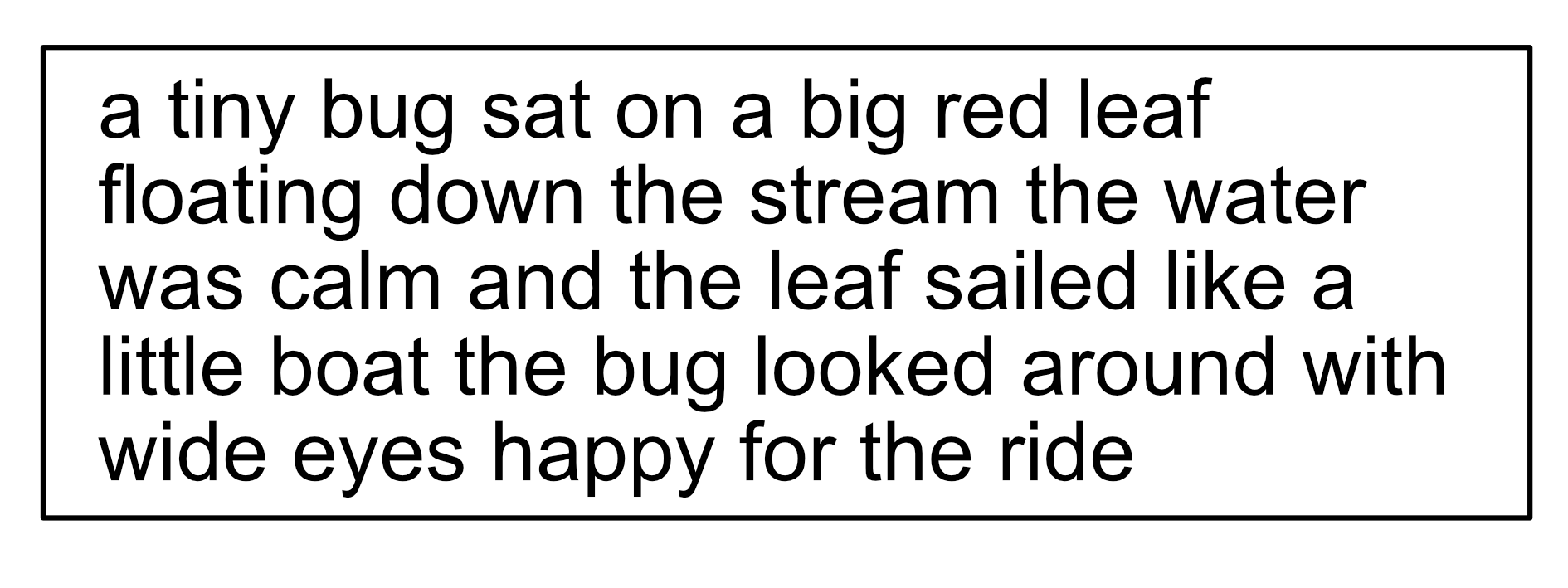
Then you remove all punctuation, including capitalisation.
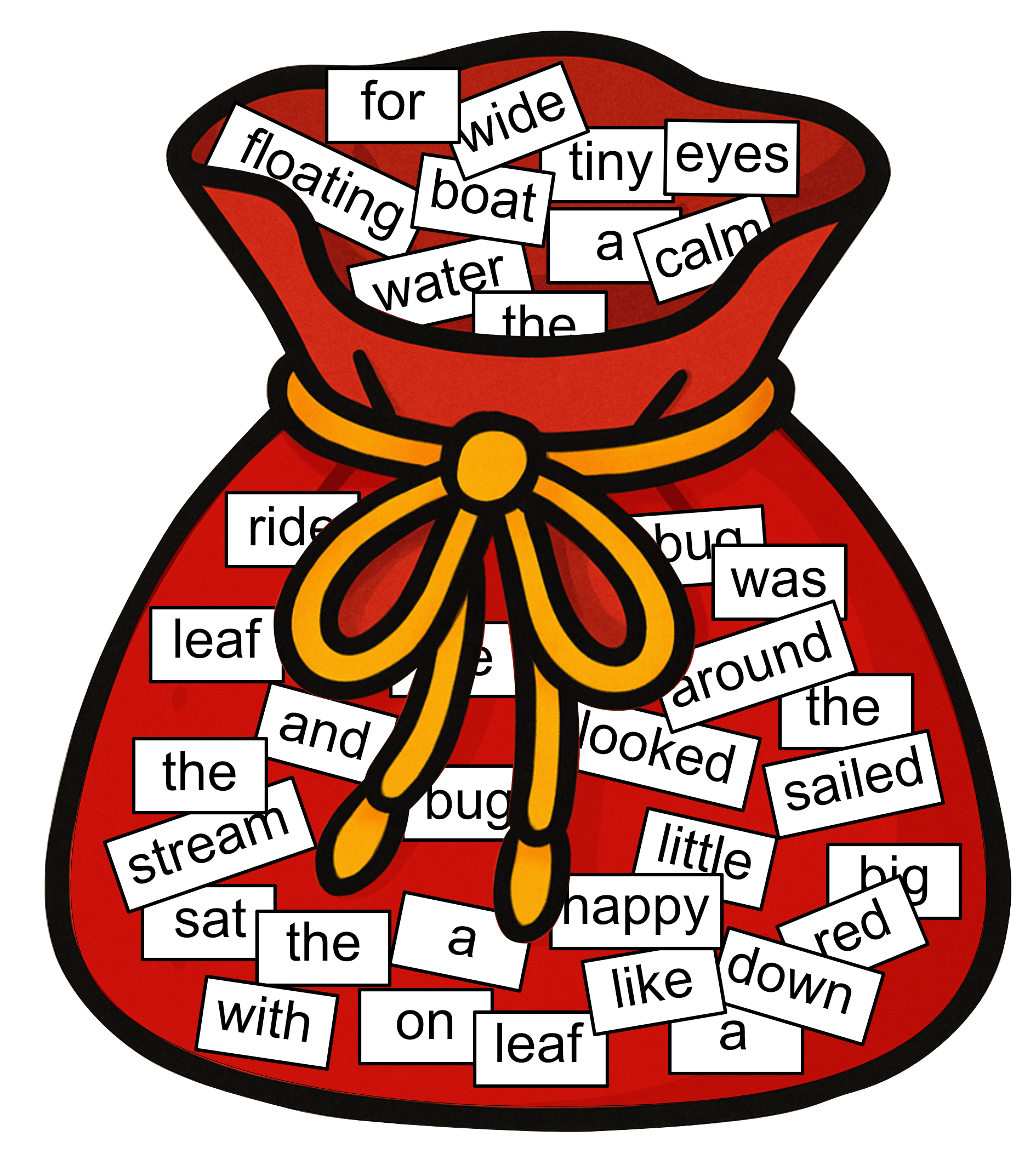
You then take this document and cut it up so that each individual word is on a single piece of paper, and you place these in a bag. This is where the name ‘bag of words’ comes from.
You compare these words with a dictionary. This dictionary may not necessarily compare all of the words that exist, it will just contain words that you care about. Let’s use the following dictionary.
big |
boat |
bug |
leaf |
pebble |
red |
sailed |
stream |
the |
velvet |
water |
wide |
What we do next is we take out the words that are in the dictionary and we count them.
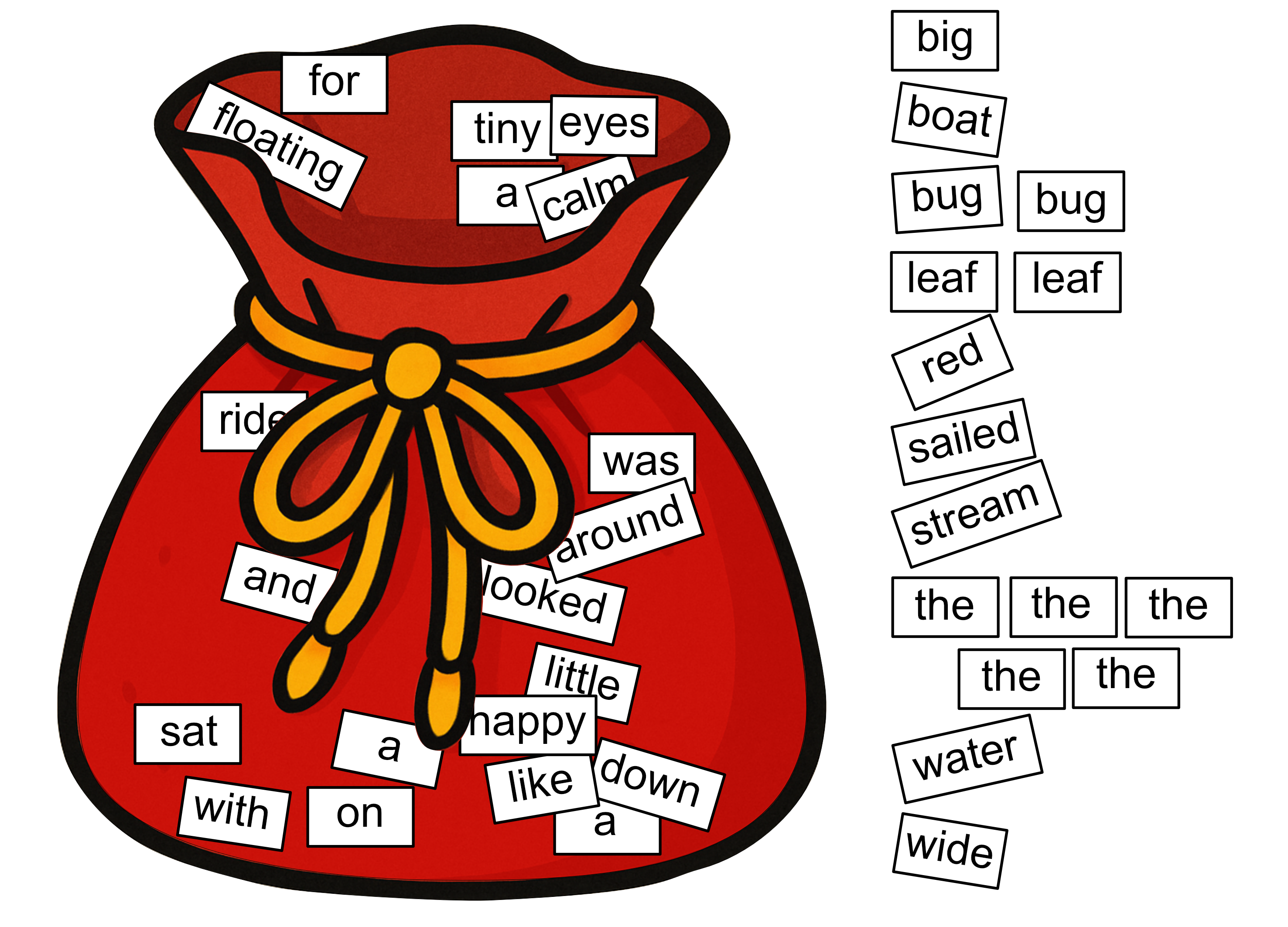
Then we fill this into our table. Note that not all words in our dictionary will necessarily appear in our document.
big |
boat |
bug |
leaf |
pebble |
red |
sailed |
stream |
the |
velvet |
water |
wide |
|---|---|---|---|---|---|---|---|---|---|---|---|
1 |
1 |
2 |
2 |
0 |
1 |
1 |
1 |
5 |
0 |
1 |
1 |
These values are then treated as a list of numbers representing our document!
[1, 1, 2, 2, 1, 1, 1, 5, 1, 1]
Thus, we have been able to take our document and come up with a numeric representation.
It is a common practice to normalise these numbers by dividing by the total number of words in the document. In this case there were 36 words so we divide these numbers by 36.
[0.0278, 0.0278, 0.0556, 0.0556, 0.0278, 0.0278, 0.0278, 0.1389, 0.0278, 0.0278]
This means that instead of a word count, each number represents a percentage and indicates the importance of this word in the document.
For example, if we compare the sentences
A tiny bug sat on a big red leaf, floating down the stream
and
The red leaf fell.
The word count of the word ‘red’ is 1 for both sentences, but the percentage of the sentence that is the word ‘red’ is 0.0769 (1 out of 13 words) and 0.25 (1 out of 4 words). This means that the word ‘red’ plays a bigger role in the meaning of the second sentence.
Demo: Clustering Bag of Words Articles
This is a demonstration of the k-means clustering algorithm applied to wikipedia articles. The data can be found here, which links directly to the Downloadable files.
We have data wikipedia.csv wikipedia_titles.csv, which contains the contents of 300 wikipedia articles represented as numeric lists corresponding to a dictionary using 1000 words, and we have titles, which has the corresponding titles of each of these wikipedia articles.
The code provided performs k-means clustering on data and then prints the titles of the articles by group.
In this example we have set k=3, which means the algorithm will create 3 groups. Try running the code and see if you can interpret the themes of each group. You can also try changing the value of k on line 7 to change the number of groups, and again see if you can interpret themes for each group.
import pandas as pd
from sklearn.cluster import KMeans

data = pd.read_csv('wikipedia.csv').to_numpy()
titles = pd.read_csv('wikipedia_titles.csv').to_numpy()

k=7
kmeans = KMeans(n_clusters=k)
kmeans.fit(data)
labels = kmeans.labels_

for i in range(k):
   print('\n===== GROUP {} ====='.format(i))
   for j in range(len(labels)):
      if labels[j] == i:
            print(titles[j][0])
Output