4.5. Cookies#
4.5.1. Recommended Video#
4.5.2. Introduction#
HTTP is a stateless protocol, meaning that each request made by a client (browser) to a server is independent. However, many web applications require stateful behavior, such as keeping users logged in, remembering preferences, and managing shopping carts.
To get around this HTTP uses cookies, which are small pieces of data that a web server sends to a user’s browser, which the browser then stores and sends back with subsequent requests.
Note
This allows web applications to maintain a session, which will be explained in a later section.
Step 1: Server Sends a Cookie to the Browser
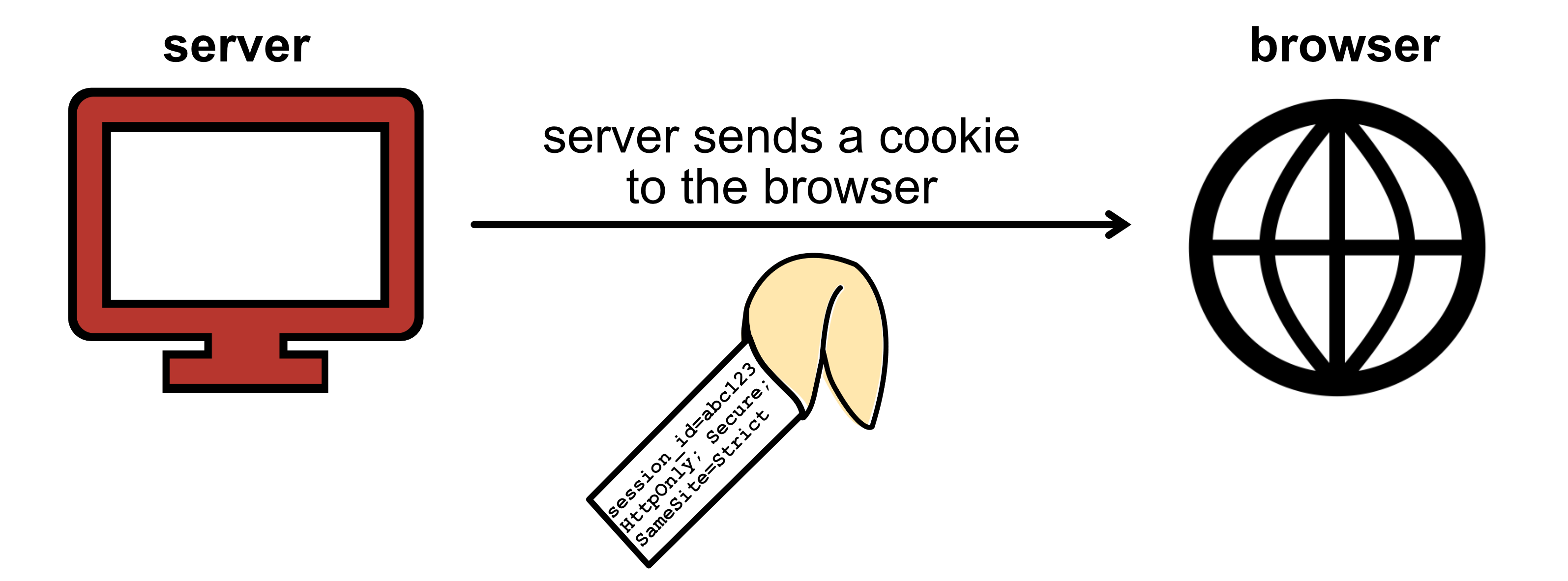
A server can add a Set-Cookie header in the HTTP response.
For example, the header of a HTTP response containing a cookie would look like:
HTTP/1.1 200 OK
Set-Cookie: session_id=abc123; HttpOnly; Secure; SameSite=Strict
Content-Type: text/html
In this example: the server sets a cookie (session_id=abc123). The other
attributes are explained further down the page.
Step 2: Browser Stores the Cookie
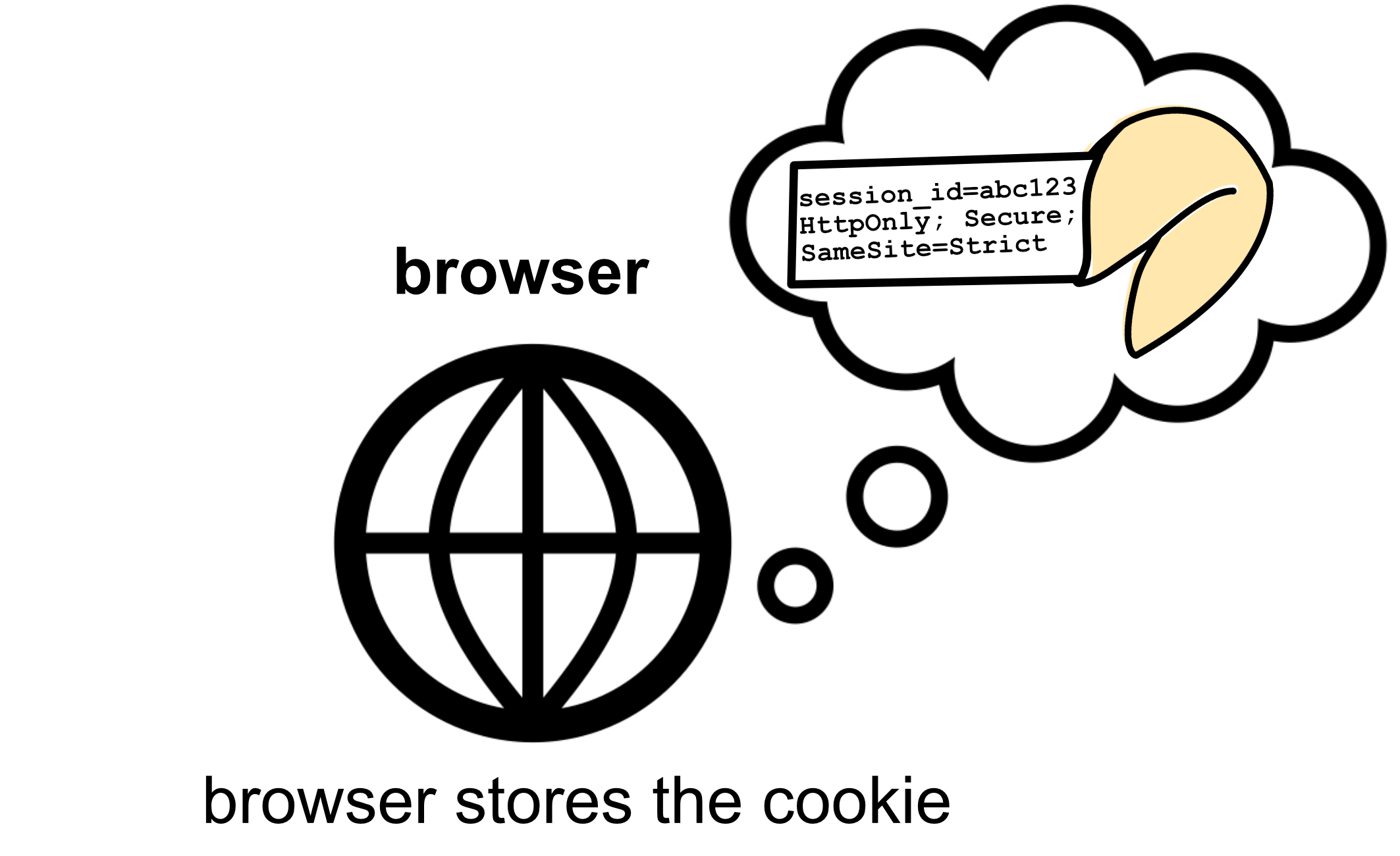
The browser reads the Set-Cookie header and stores the cookie value. The
next time the user makes a request to the same site, the browser automatically
includes the cookie in the request.
Step 3: Browser Sends the Cookie Back to the Server
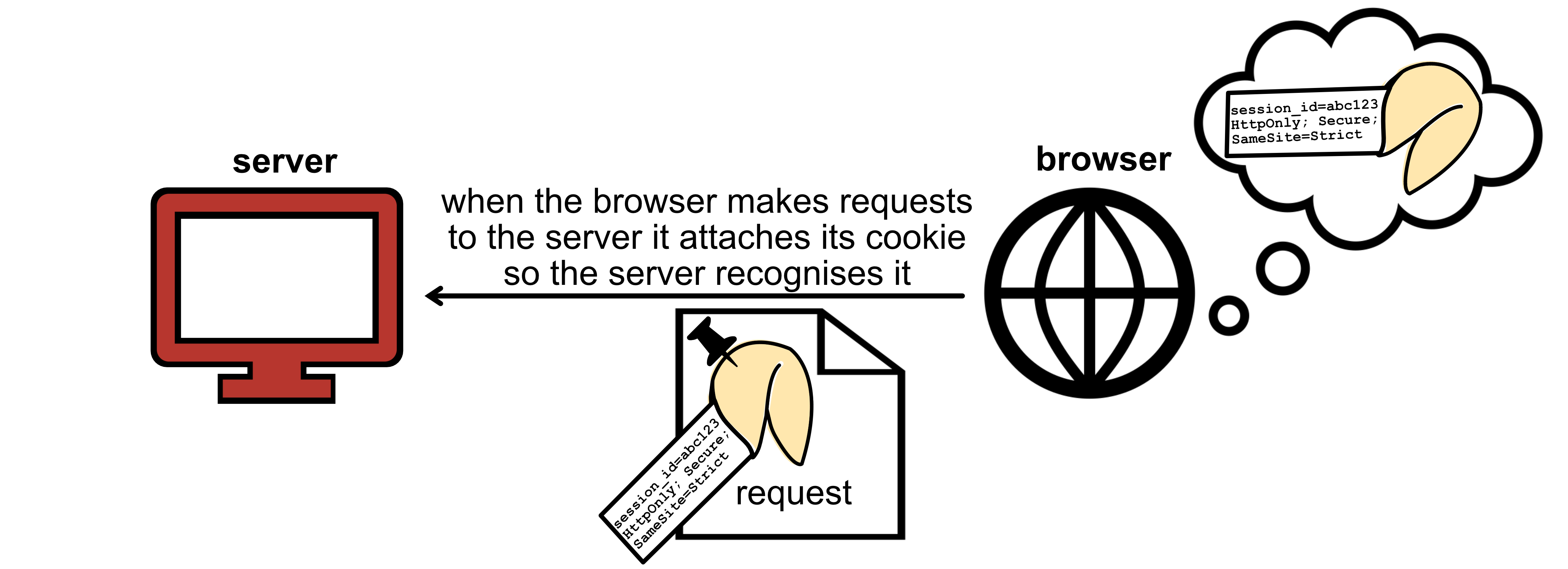
On subsequent requests, the browser attaches the cookie to the request in the Cookie header.
For example:
GET /dashboard HTTP/1.1
Host: example.com
Cookie: session_id=abc123
The server can then read the cookie, identify the user and respond accordingly.
4.5.3. Cookie Syntax#
The Set-Cookie header follows the following syntax:
Set-Cookie: cookie-name=cookie-value; attribute1-name=attribute1-value; ... ; attributeN-name=attributeN-value
where:
Set-Cookieis signifies that this line sets a cookiecookie-name=cookie-valueare the name and value of the cookie to be stored by the browserattribute1-name=attribute1-valueare attribute and value pairs for this cookie, up toNattribute-value pairs.
Note
You can find the full Set-Cookie specification here, along with a list of all possible attributes https://developer.mozilla.org/en-US/docs/Web/HTTP/Headers/Set-Cookie
4.5.4. Cookie Attributes#
Some common cookie attributes that you should know are:
Domain - specifies which domain the cookie is valid for e.g. Domain=example.com
Path - specifies which paths the cookie applies to e.g. Path=/dashboard
Expires and Max-Age - defines the cookie’s lifespan e.g Expires=Wed, 15 Mar 2025 12:00:00 GMT
Secure - ensures the cookie is only sent over HTTPS. This is a flag and does not need an associated value e.g.Secure
HttpOnly - prevents JavaScript access to the cookie. This is a flag and does not need an associated value e.g. HttpOnly
SameSite - Controls whether this cookie is sent by the browser during requests when the user is redirected to your site or when another website is embedding your page in an iframe e.g. SameSite=Strict
4.5.5. Setting Multiple Cookies#
A server can set multiple cookies in one response. Each cookie is sent on separate lines in the response header.
For example, setting three cookies at once might look like:
HTTP/1.1 200 OK
Set-Cookie: session_id=abc123; Path=/; HttpOnly; Secure; SameSite=Strict
Set-Cookie: csrf_token=xyz789; Path=/; HttpOnly; Secure
Set-Cookie: theme=dark; Path=/; Max-Age=86400
Content-Type: text/html; charset=UTF-8
The client would then send all three cookies back in subsequent requests on a single line.
For example:
GET /dashboard HTTP/1.1
Host: example.com
Cookie: session_id=abc123; csrf_token=xyz789; theme=dark
User-Agent: Mozilla/5.0 (Windows NT 10.0; Win64; x64)
Accept: text/html,application/xhtml+xml,application/xml;q=0.9
4.5.6. Session vs Persistent Cookies#
Session cookies are created when Expires is not set. Such cookies will be
deleted when the web browser window closes.
Persistent cookies are created when Expires or Max-Age are set. These
cookies will be stored by the browser until these times are reached.